Your product, on a model.
No shoot.

Cast a model, set the studio, add your jewelry, skincare or gear. StudioRunway generates the campaign image inside your Shopify admin.

Start free with 5 photoshoots.

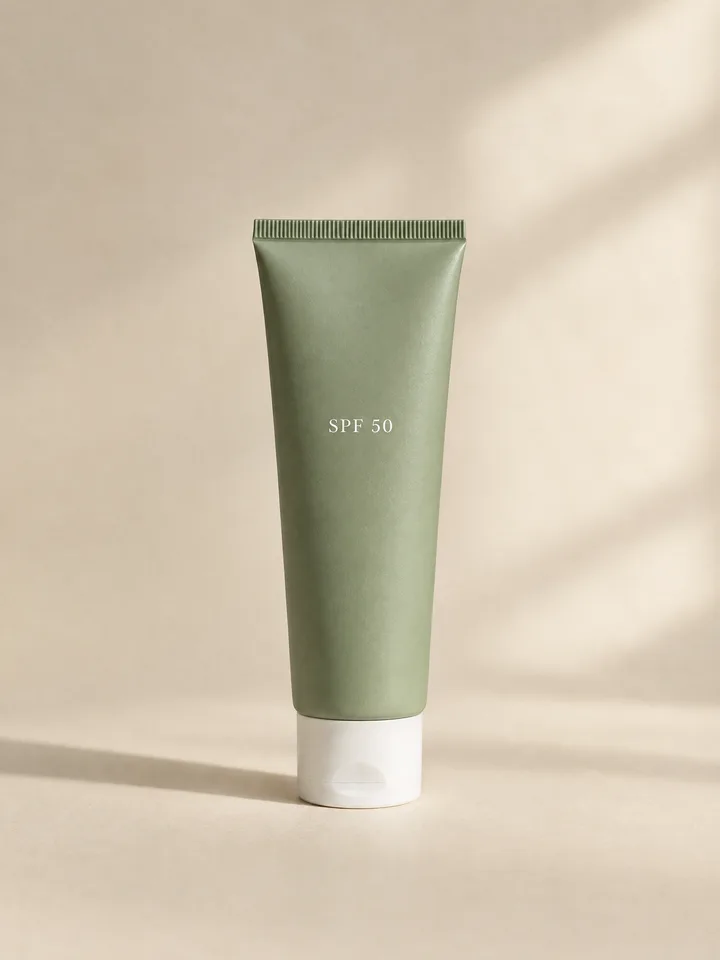
A sage-green squeeze tube of sunscreen standing upright on a cream backdrop
Product photo. AI-generated, fictional product.
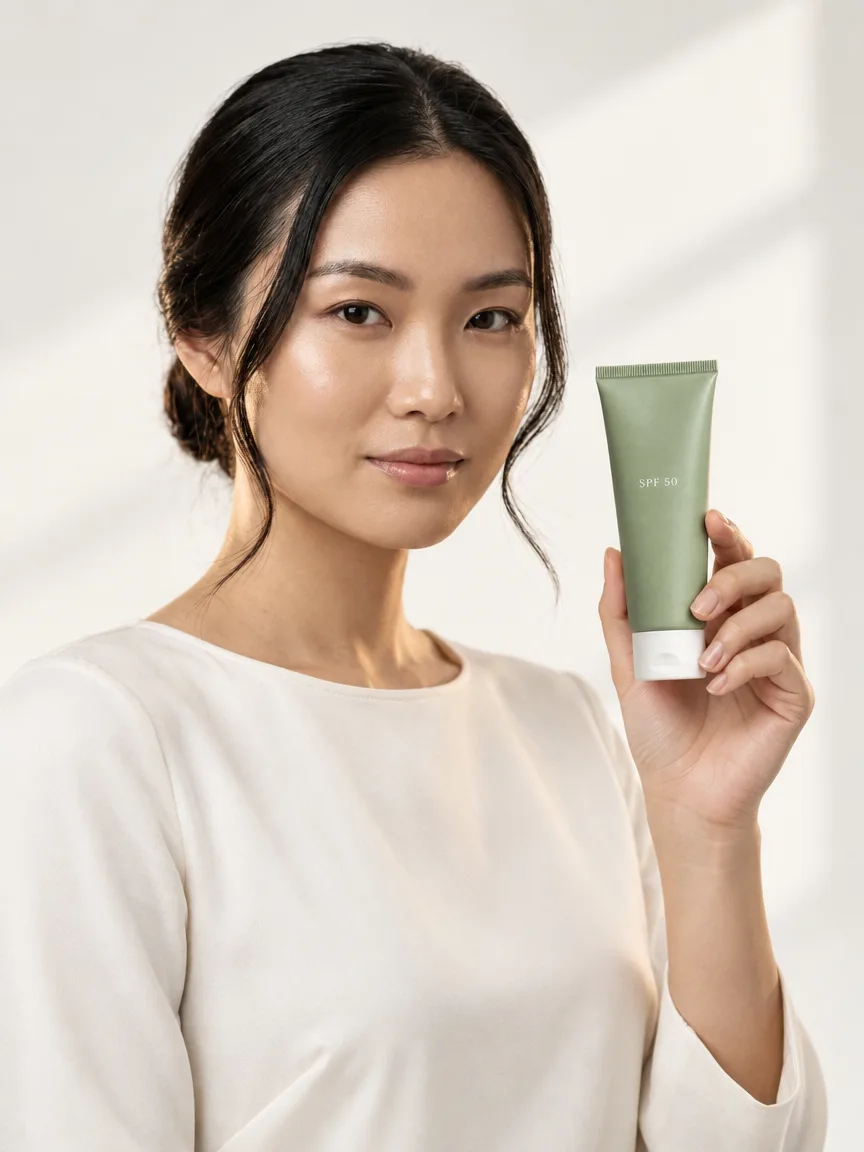
AI-generated model holding a sage-green tube of sunscreen with the label facing the camera
The result, made with StudioRunway. AI-generated.

Worn, held, carried.

Each set starts from one product photo. The products are fictional.

Jewelry

Rings, necklaces, watches.
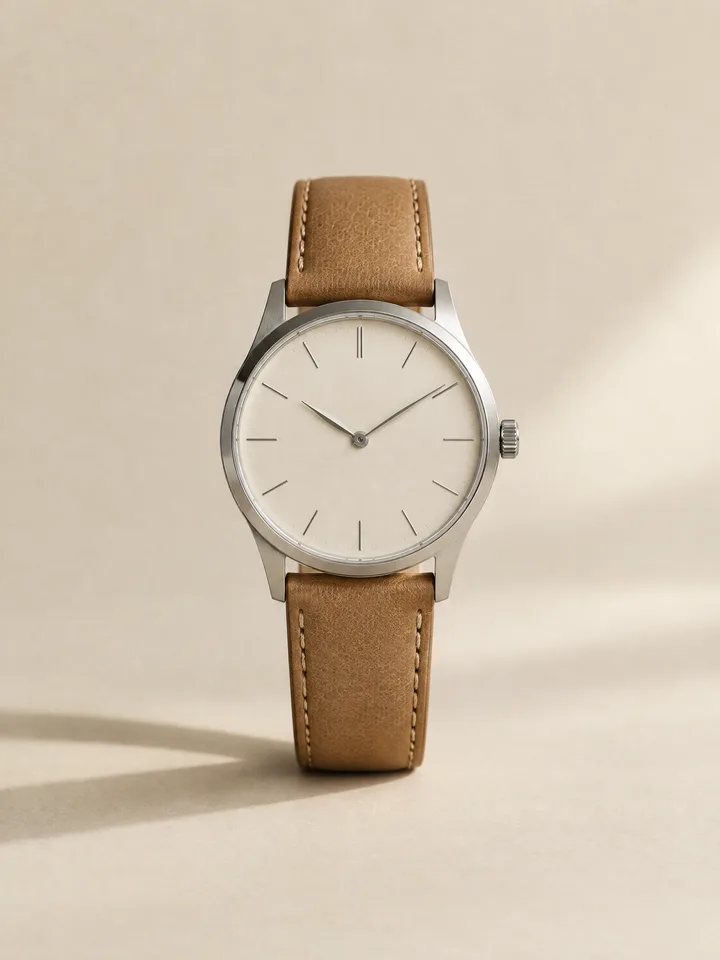
A stainless-steel watch with a cream dial and tan leather strap on a cream backdrop
Product photo. AI-generated, fictional product.
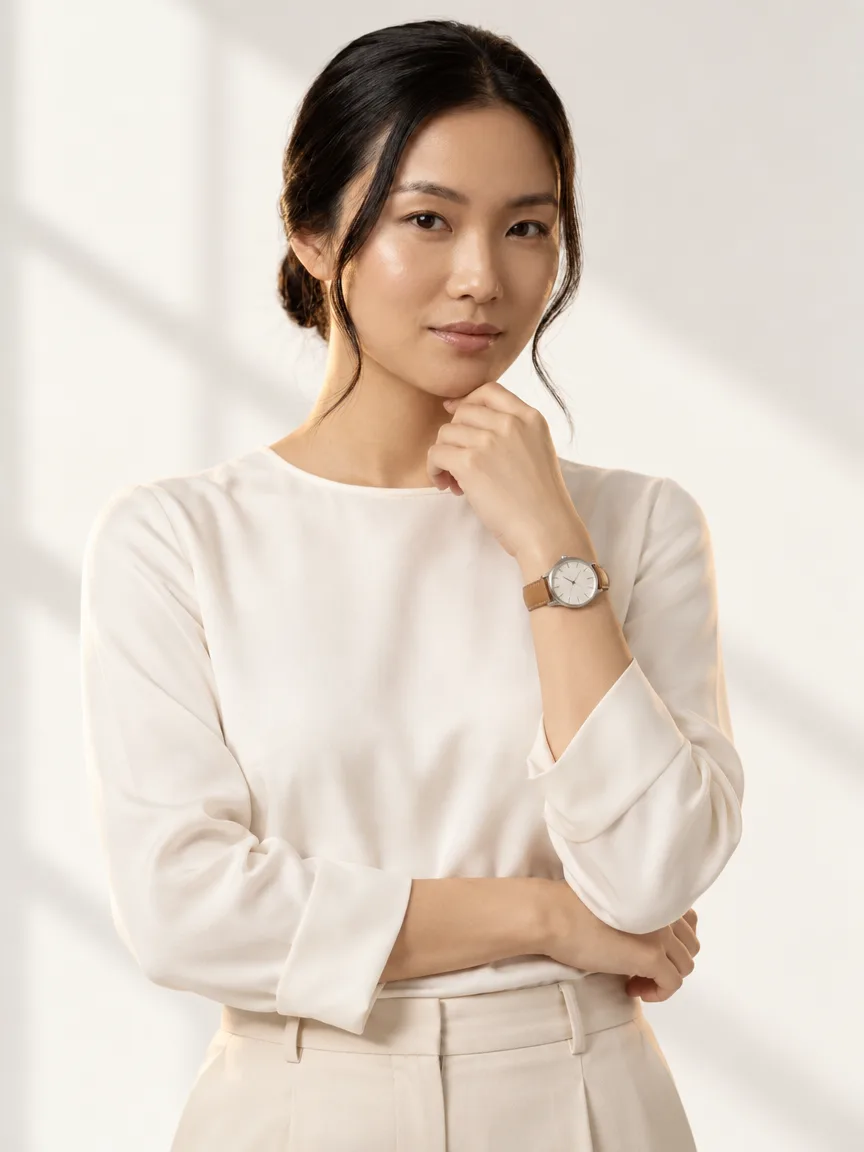
AI-generated model wearing a stainless-steel watch with a cream dial and tan leather strap, front view
Front. AI-generated with StudioRunway.
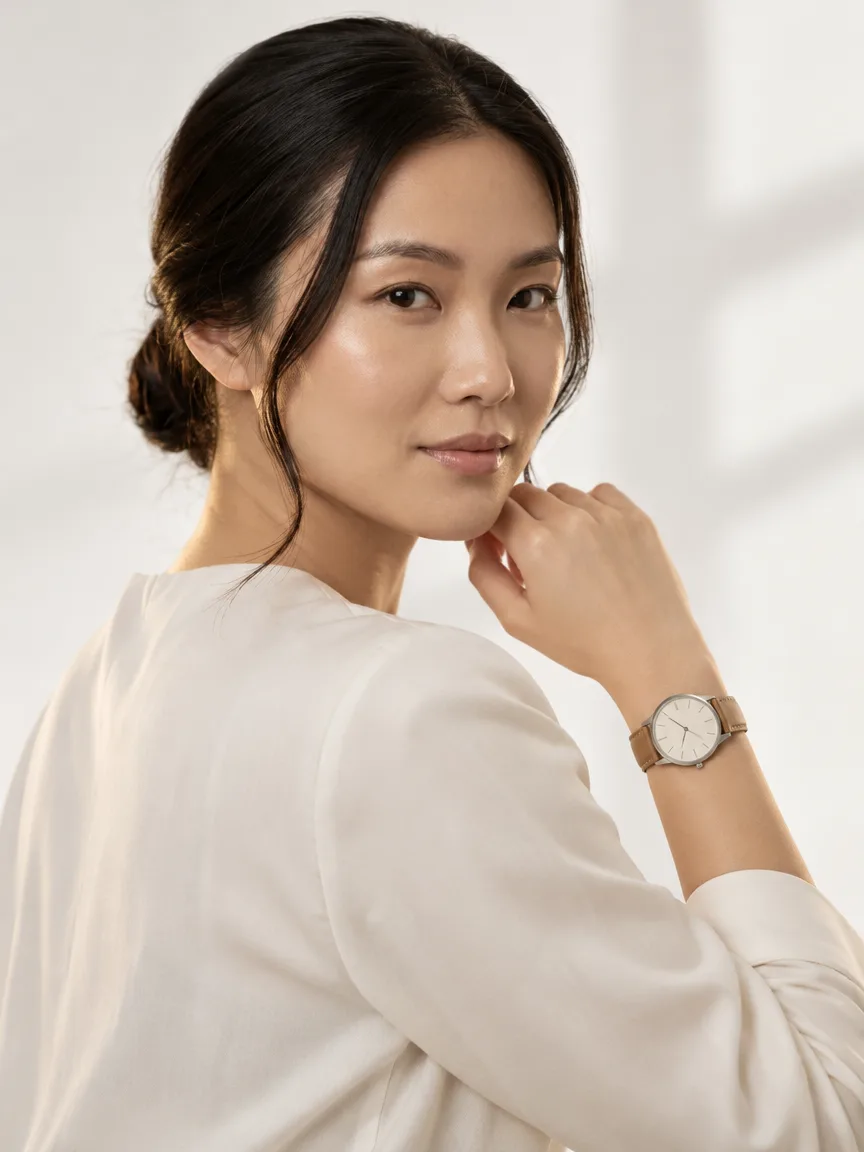
AI-generated model wearing a stainless-steel watch with a cream dial and tan leather strap, over-the-shoulder view from behind
Back. AI-generated with StudioRunway.
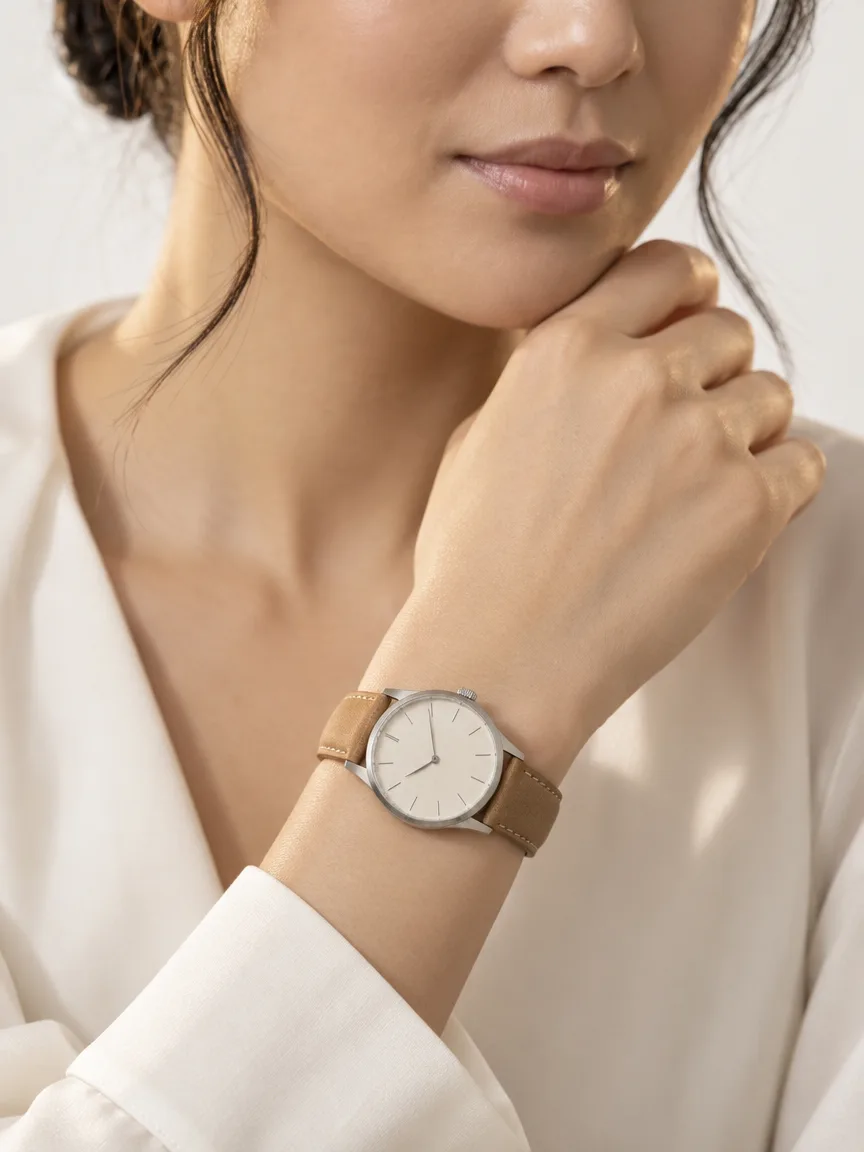
AI-generated close-up of a wrist wearing a stainless-steel watch with a cream dial and tan leather strap
Detail. AI-generated with StudioRunway.

Skincare

Serums, creams, sunscreens.

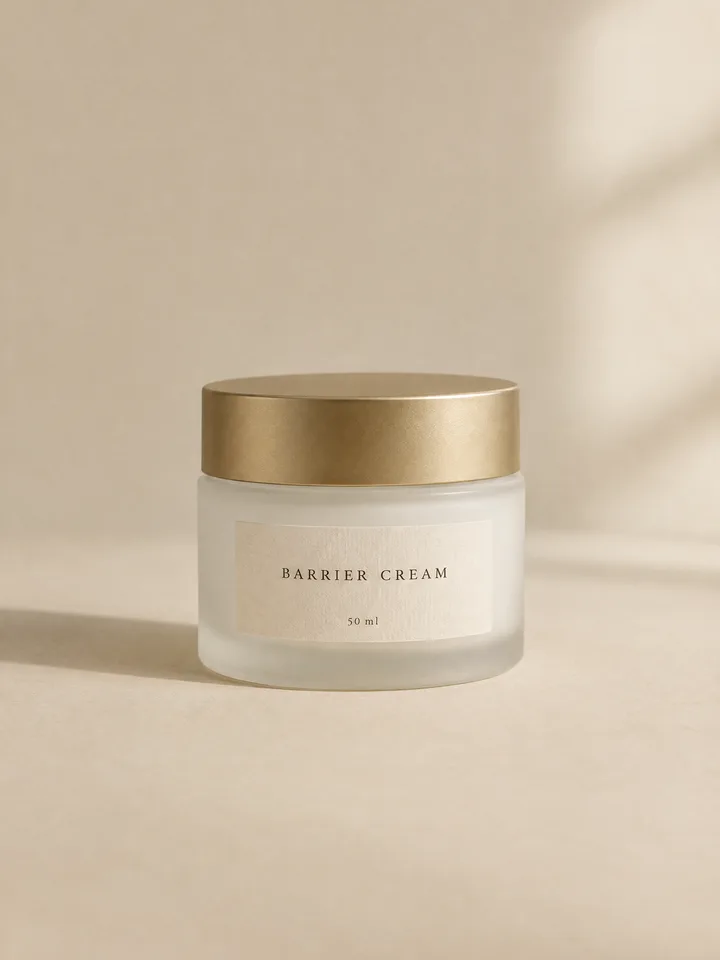
A frosted white glass jar of face cream with a gold lid on a cream backdrop
Product photo. AI-generated, fictional product.
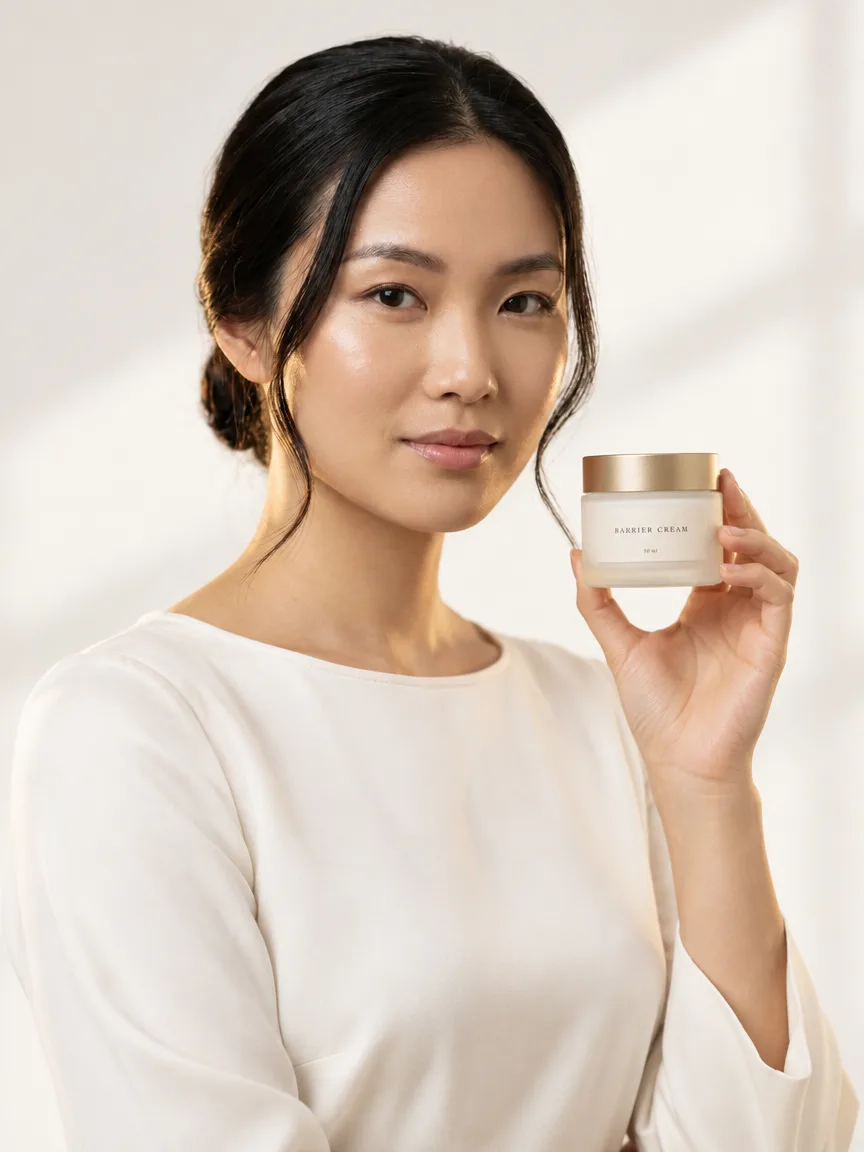
AI-generated model holding a frosted white glass jar of face cream with a gold lid, front view
Front. AI-generated with StudioRunway.
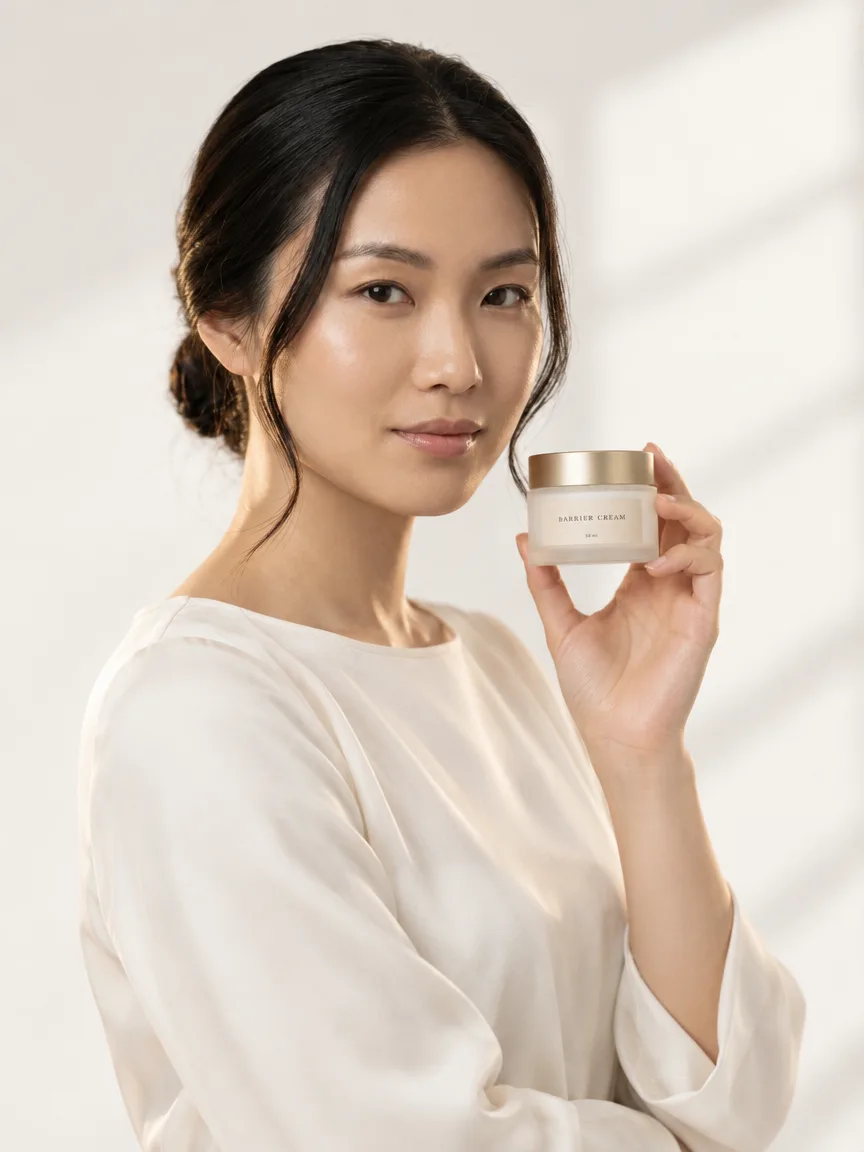
AI-generated model holding a frosted white glass jar of face cream with a gold lid, three-quarter view
Three-quarter. AI-generated with StudioRunway.
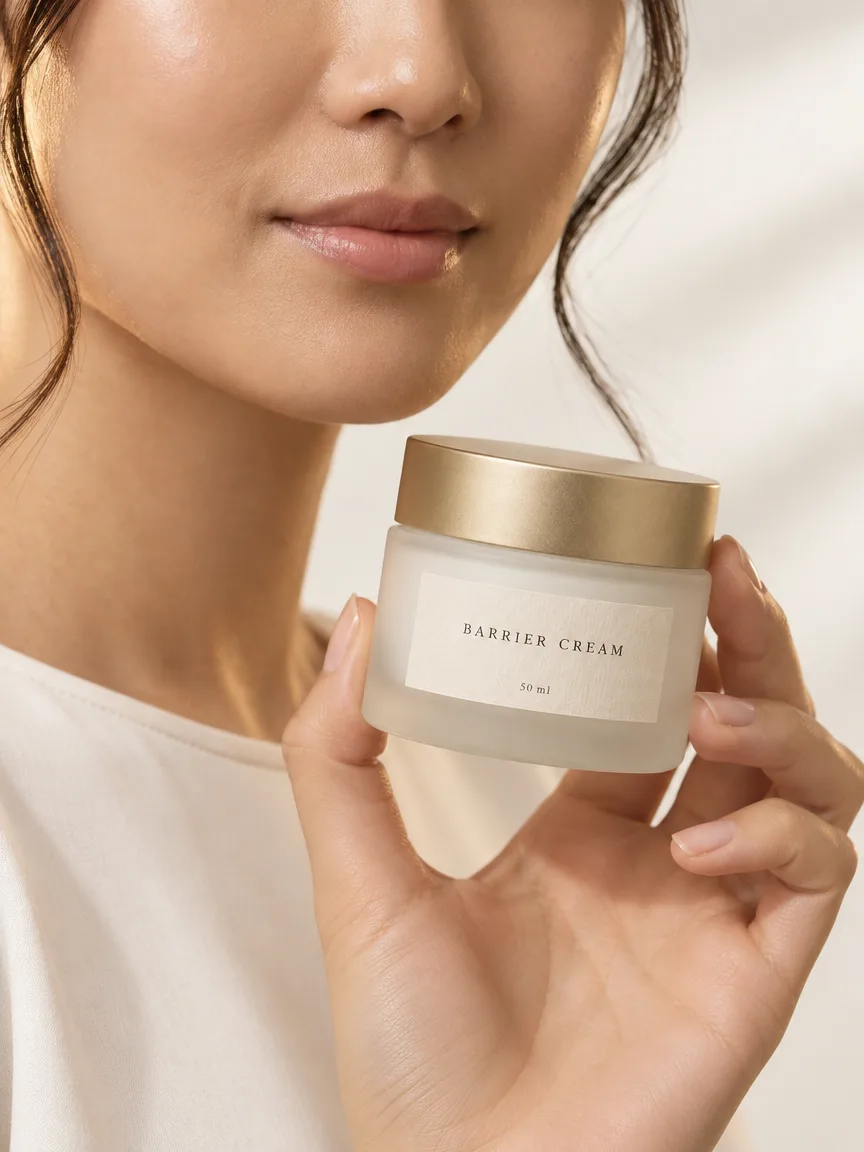
AI-generated close-up of a hand holding a frosted white glass jar of face cream with a gold lid
Detail. AI-generated with StudioRunway.

Gear

Boards, goggles, packs.

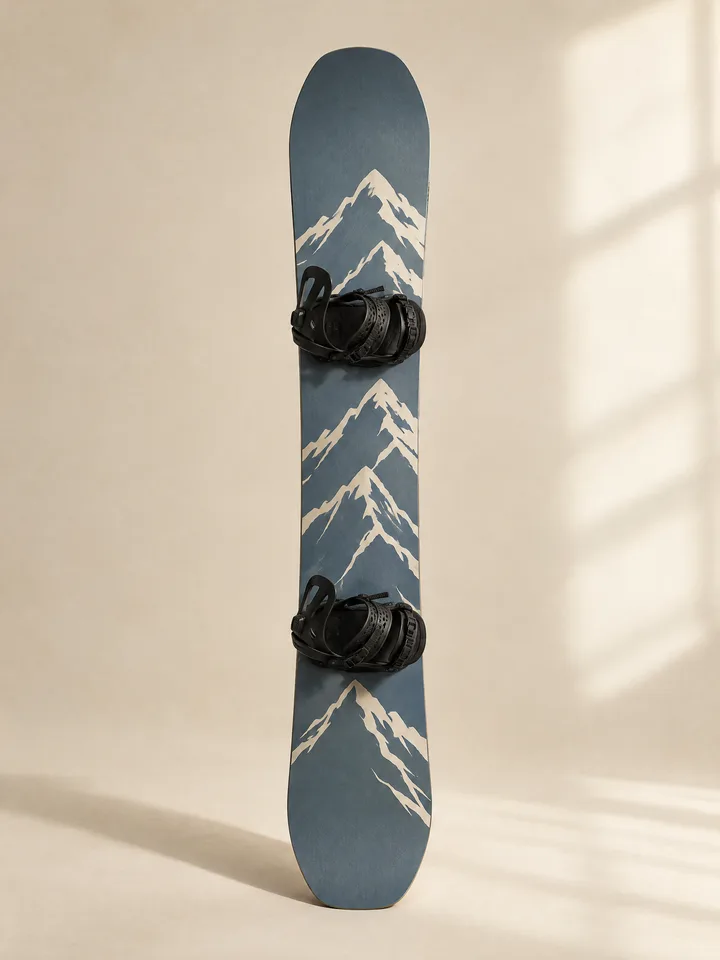
A snowboard with a slate-blue top sheet and a cream mountain-line graphic, standing upright on a cream backdrop
Product photo. AI-generated, fictional product.
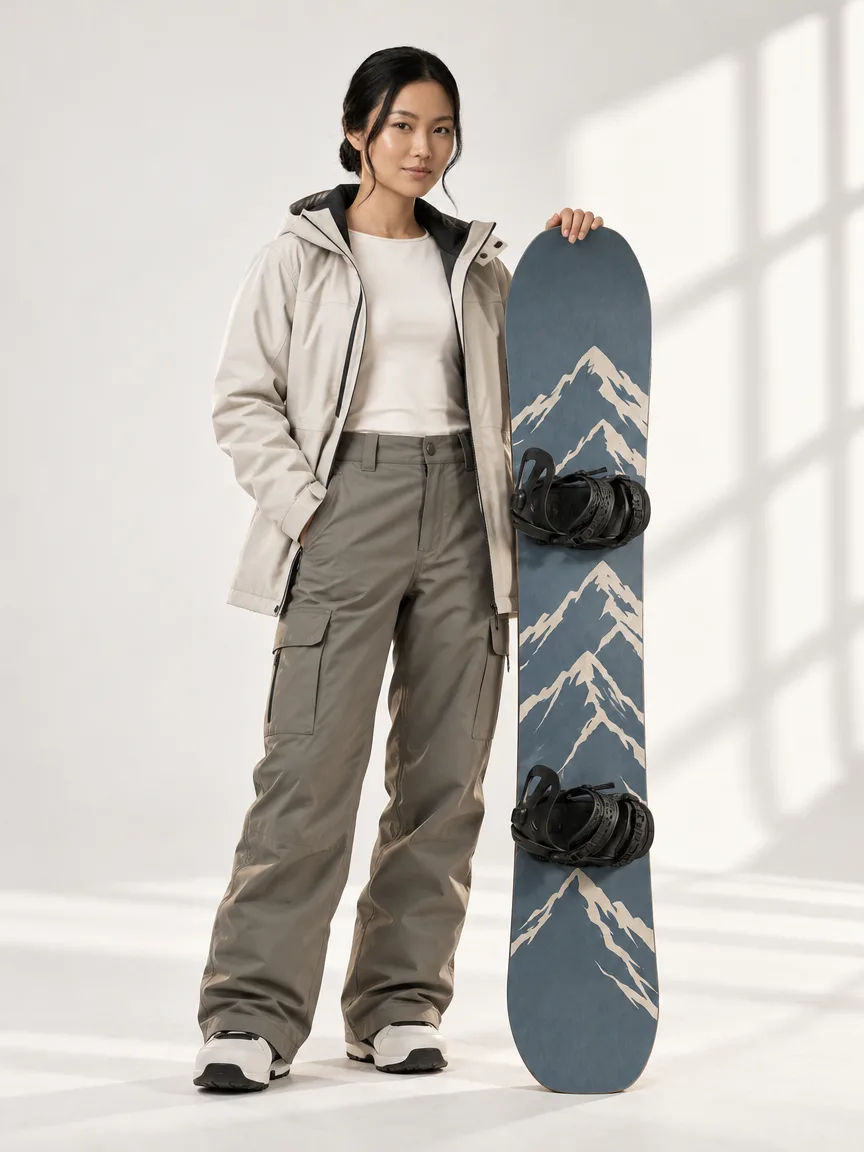
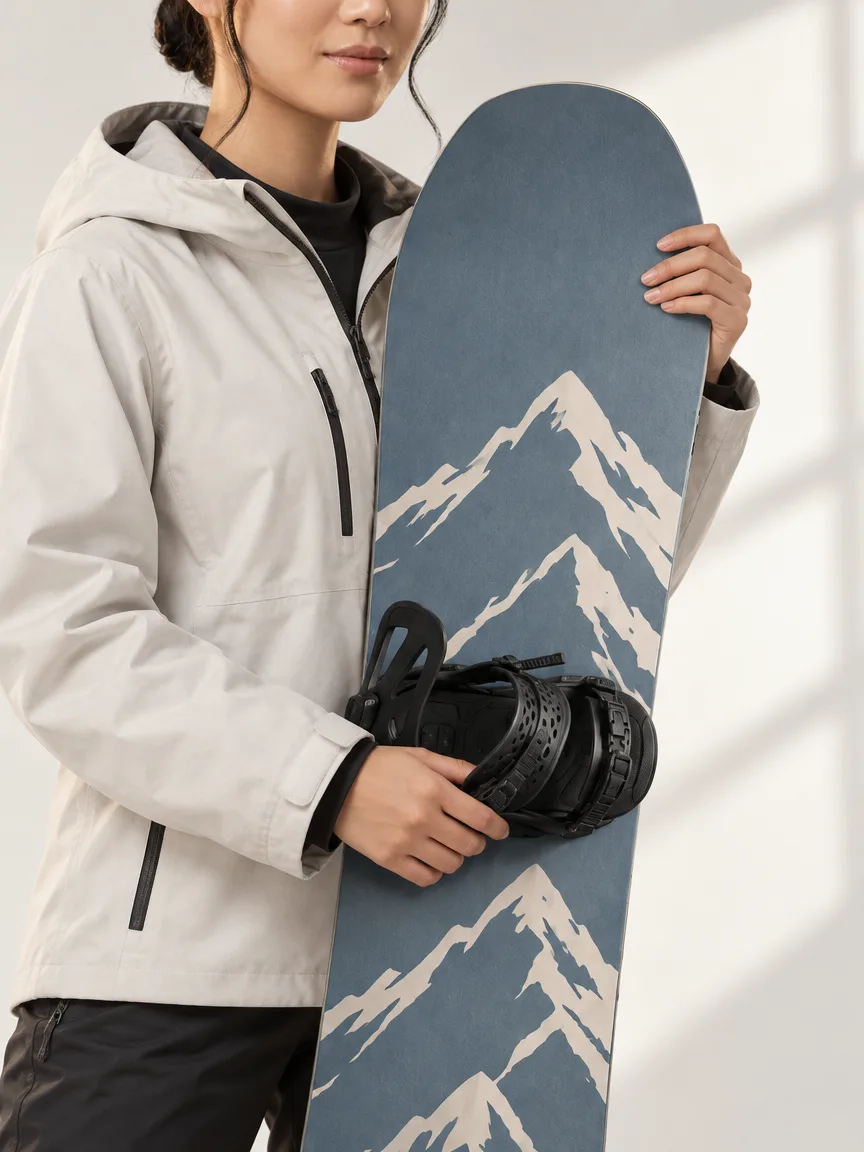
AI-generated model holding a slate-blue snowboard upright beside them, front view
Front. AI-generated with StudioRunway.
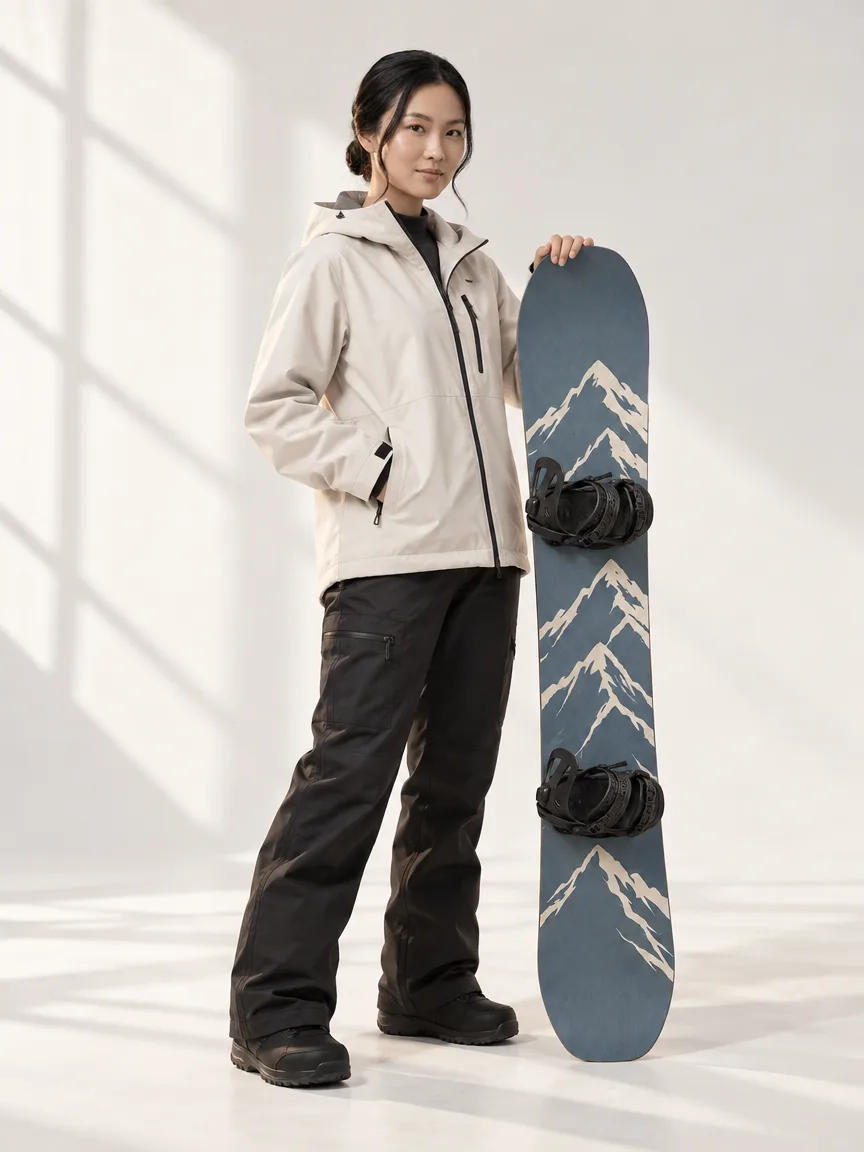
AI-generated model holding a slate-blue snowboard upright beside them, three-quarter view
Three-quarter. AI-generated with StudioRunway.
AI-generated close-up of a model holding a slate-blue snowboard with a cream mountain graphic
Detail. AI-generated with StudioRunway.

From casting to campaign image in four steps

  1. Cast a model

    Choose body type, ethnicity, height and expression, or start from a starter model. Save the ones you like to your roster and reuse them on every shoot.

  2. Set the studio

    Pick the lighting and the location, choose an aspect ratio, or upload a photo of your own location and shoot there.

  3. Add your product

    Pick your product photos from your 50 newest Shopify products, or upload your own. StudioRunway reads the product's title to decide how to show it, so name it plainly, like “Gold signet ring” or “Vitamin C serum”.

  4. Generate and publish

    Each photoshoot returns 2 angles on Free and 4 on Pro. Refine with a note, then send the best one to your product page.

Simple, honest pricing

Start free. Upgrade when you shoot regularly.

Free

Try it on your own products

$0 to start
  • 5 photoshoots, one-time
  • 2 angles per photoshoot: front and three-quarter
  • Starter models included
  • Send images to your Shopify product page
Add to Shopify

A photoshoot returns 2 photos on Free and 4 on Pro. Refining a result or creating a new model portrait also uses one.

Pro is billed through Shopify, and you can cancel it anytime.

Questions, answered plainly

What uses up a photoshoot?

One photoshoot returns 2 photos on Free and 4 on Pro. A Refine re-shoot or a new model portrait also uses one. Free includes 5 in total. Pro includes 50 per billing period.

Will my product look like my photo?

You choose the product photos the model works from, and you review every result before it goes anywhere. AI can still change small details such as label text, engraving or fine chain links, so zoom in before you publish. If something is off, Refine the shoot with a note or try a different photo.

Is it only for clothing?

No. Jewelry, skincare, gear and clothing all work: add a ring, a serum, a snowboard or a jacket.

How does StudioRunway know how to show my product?

It reads the product's title. Call it something plain, like “Gold signet ring”, “Vitamin C serum” or “Slate blue snowboard”, and it shows rings worn, serums held and boards carried. A title it cannot place, such as a brand name alone, is shot as clothing.

Are the images AI-generated?

Yes. Every photo on this page is AI-generated, including the product photos, and each one is captioned. The products shown are fictional.

Where do the finished images go?

Save the ones you like to your collection in the app, and send any of them to your Shopify product page. Results you don't save are cleared when you start your next shoot.

What does it cost?

Free to start, with 5 photoshoots. Pro is $30 a month with 50 photoshoots, billed through Shopify.

Your next product shoot is a few clicks away.

Add StudioRunway from the Shopify App Store and start with 5 free photoshoots.

Add to Shopify